A VPN app may offer WireGuard, OpenVPN and IKEv2 in the same settings menu, as if they were three grades of protection. They aren’t. All three can secure a connection well, but they solve different problems. WireGuard is usually the first choice when you want a quick, efficient tunnel. OpenVPN earns its place when network restrictions or an existing setup call for flexibility. IKEv2 is especially useful when you want an operating system’s built-in VPN support and reliable switching between networks.
The choice matters most when the connection changes or fails: your phone leaves Wi-Fi, a hotel blocks certain traffic, or an older VPN profile won’t connect. Knowing what each protocol does helps you pick a useful fallback instead of assuming the fastest-looking setting is always best.
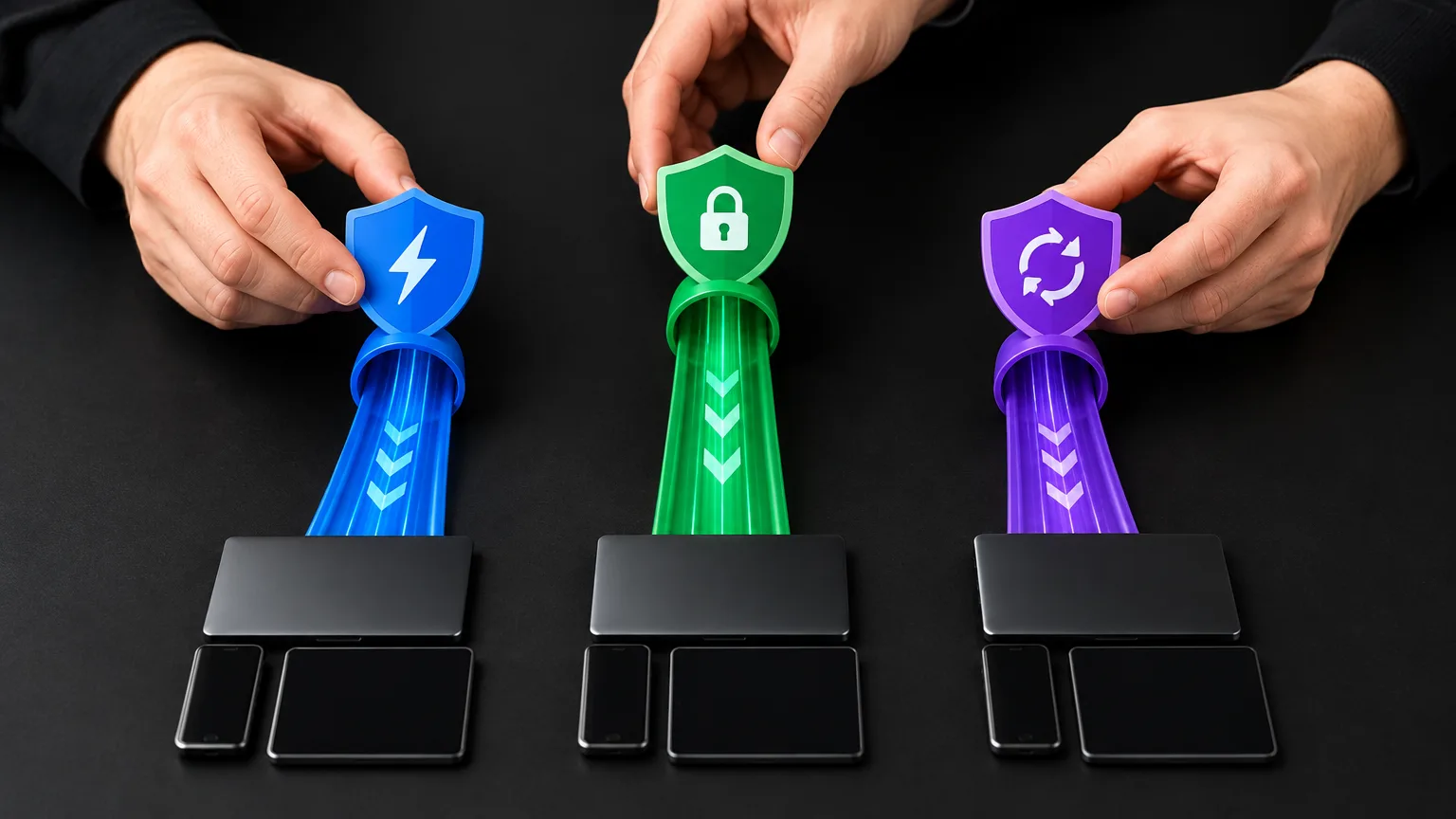
The three protocols at a glance
| Protocol | Speed and overhead | Security approach | Device support | Network changes |
|---|---|---|---|---|
| WireGuard | Typically fast and lightweight | Fixed set of modern cryptographic choices; peers authenticate with keys | Apps or built-in implementations across major platforms | Learns a peer’s new address from authenticated packets |
| OpenVPN | Often slower than WireGuard, though performance depends on setup | TLS-based control channel; negotiable data-channel ciphers | Client apps across major platforms | Can handle address changes, but reconnection depends on configuration |
| IKEv2/IPsec | Often fast, with performance dependent on the device and configuration | IKEv2 authenticates peers and sets up IPsec protection | Built into Windows and Apple devices; supported by Android’s platform VPN system | MOBIKE can preserve a connection across address changes when supported |
These are tendencies, not benchmark results. Server load, distance, device hardware, network quality and the VPN provider’s implementation can outweigh the protocol choice. Nor does a fast tunnel guarantee a fast website: the site and the route beyond the VPN server still matter.
WireGuard: the straightforward speed pick
WireGuard sends encrypted IP packets over UDP, a transport that doesn’t wait for delivery acknowledgments before sending the next packet. Its design keeps the protocol relatively lean: peers identify one another with public keys, and its cryptographic choices include ChaCha20-Poly1305 for authenticated encryption and Curve25519 for key agreement. Rather than negotiating among many cipher combinations, WireGuard defines a specific set of primitives.
That combination makes WireGuard an excellent default for everyday browsing, video calls and gaming when your VPN service offers it. It’s often quick to establish a tunnel and performs well on phones and less powerful devices. Still, “WireGuard” on a settings screen doesn’t tell you how fast that provider’s server will be. Test the nearby server you actually intend to use.
WireGuard also handles roaming neatly. After a peer receives a correctly authenticated packet from a new IP address and port, it updates where it sends future packets. A phone moving from home Wi-Fi to cellular can therefore keep using the tunnel without treating the new address as an entirely new peer.
The trade-off is deliberate simplicity. WireGuard leaves key distribution and configuration delivery to other software. A VPN service can make setup feel effortless by handling those tasks in its app, but an administrator building a company VPN must plan how devices get keys, how access is removed and how user accounts map to peers. WireGuard uses UDP, so it isn’t the direct answer when a network permits only the kind of TCP connection your VPN provider can support with OpenVPN.
OpenVPN: the flexible fallback
OpenVPN’s strongest practical advantage is choice. It can run over UDP, which is generally the sensible starting point for performance, or over TCP. A provider can configure OpenVPN over TCP port 443, including connections through an HTTP proxy. That gives it a possible route out of networks where a UDP tunnel won’t connect. It is not a promise that every school, workplace or hotel network will allow it: a network can inspect or block VPN traffic even on a familiar port.
TCP is a fallback, not a free speed upgrade. When a VPN carries ordinary TCP traffic inside a TCP tunnel, both layers may respond to packet loss. On a poor connection, that can make delays feel worse. If OpenVPN UDP works, try it before switching to TCP solely because port 443 sounds more reliable.
OpenVPN uses TLS to protect the control channel that authenticates a connection and establishes keys for VPN traffic. Its data channel can negotiate ciphers; the OpenVPN 2.7 manual lists AES-GCM and, where available, ChaCha20-Poly1305 among its defaults. That flexibility supports varied deployments, but it also means security depends on the profile and server configuration. An old profile using legacy options isn’t made good merely by carrying the OpenVPN name. Likewise, the protocol’s age does not make a properly configured OpenVPN connection inherently insecure.
There’s a speed qualification worth knowing: OpenVPN is not one fixed performance level. Supported setups can use data channel offload (DCO), which moves packet processing into the operating system’s kernel rather than handling it all in user space. That can narrow the performance gap, though availability depends on the client, server, platform and configuration. If your provider’s OpenVPN option is slower, changing to a nearby server or to UDP may help more than debating cipher names.
OpenVPN can also accept authenticated traffic from a peer whose address has changed, and clients can reconnect after a disrupted connection. But the experience is more dependent on the app and profile than WireGuard’s built-in endpoint learning.
IKEv2/IPsec: strong support for mobile and managed devices
“IKEv2” is commonly used as shorthand for IKEv2/IPsec. IKEv2 handles authentication and sets up the security associations; IPsec protects the traffic carried by the tunnel. IKEv2 can negotiate cryptographic algorithms, so, as with OpenVPN, the actual protection depends on what the client and server are configured to accept. It normally uses UDP ports 500 and 4500, which can be relevant when a restrictive network allows web traffic but blocks VPN-related UDP.
Its appeal is often integration. Windows includes IKEv2 in its built-in VPN client, and Apple supports IKEv2 across its device platforms. Android’s IKEv2/IPsec platform profiles can be provisioned by apps without requiring the VPN app to run constantly in the background. That can suit a workplace-issued laptop or phone where VPN profiles, certificates and access policies are centrally managed. Built-in support doesn’t mean setup is automatic, though: you still need a compatible server and the correct credentials or profile.
For someone who frequently crosses between cellular and Wi-Fi, IKEv2 has another important feature: MOBIKE. This extension allows an IKEv2/IPsec connection to update its network address while keeping the VPN security association active. It works when the relevant client and server support and use it; the protocol label alone doesn’t guarantee uninterrupted roaming. Apple lists MOBIKE among its IKEv2 features.
Speed and security need a real-world check
There is no defensible universal ranking that says WireGuard is always fastest, IKEv2 is always second and OpenVPN is always last. WireGuard’s lean design makes it a strong starting bet. IKEv2/IPsec can also perform very well, particularly where it benefits from operating-system integration. OpenVPN UDP may be entirely fast enough for a given connection, while OpenVPN TCP may be worth a speed penalty if it’s the option that connects.
The same caution applies to security rankings. These protocols can all provide strong encrypted tunnels. What separates a sound deployment from a weak one includes server authentication, software updates, supported cipher choices and the way the provider handles access. For OpenVPN and IKEv2, avoid reviving outdated settings just to connect an old device. For WireGuard, protect the device’s private key and make sure a lost device’s access can be revoked. A VPN also doesn’t make the VPN operator unable to see connection-related information; choosing a trustworthy service remains a separate decision.
If you’re comparing options in an app, test them on the same device, with the same server location, under similar network conditions. Check more than a speed-test number: start a video call, switch your phone from Wi-Fi to cellular, and see whether the VPN reconnects without you noticing. A protocol that posts the best peak download speed but regularly drops your work call is the wrong choice for that use.
Which should you choose?
Start with WireGuard if your provider supports it and it works on the networks you use. It offers a good mix of speed, simple setup in consumer VPN apps and address roaming. If WireGuard won’t connect on a restrictive network, try OpenVPN UDP, then an OpenVPN TCP option if your provider offers one. Choose IKEv2/IPsec when your organization supplies an IKEv2 profile, you prefer built-in system support, or its MOBIKE behavior works particularly well on your mobile setup.
Keep a second protocol configured if your app makes switching easy. That isn’t indecision; it’s a practical response to networks that behave differently. The best VPN protocol is the one that protects your connection, stays connected where you need it and is fast enough for the work you’re doing.